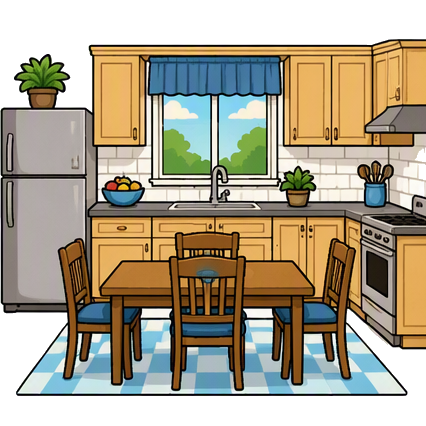

WSKitchen · morning

CineoBoard visual storyboarding
Use Storyboard Creator in the browser, coordinate scripts and shot lists with Workspace, or draw locally on Mac in Reframe. Choose the workflow that fits the next board.
Full Creator is $4.99 for the first 30 days, then $11.99/month. Cancel anytime. First payment has a 14-day money-back guarantee. Prefer manual control? See the no-AI, no-drawing workflow.
WSKitchen · morning


MSLiving room
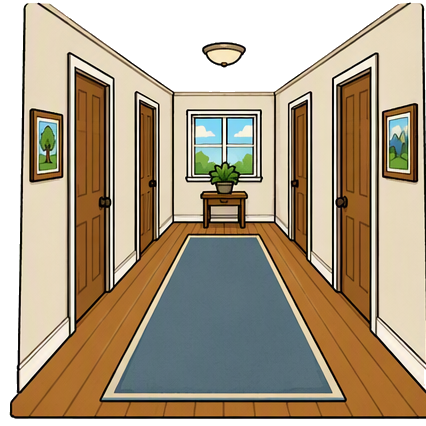

CUPhone beat
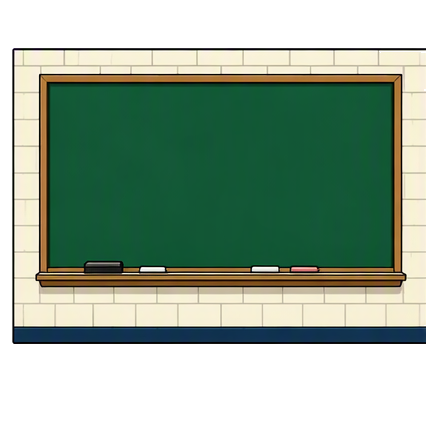

OTSClassroom
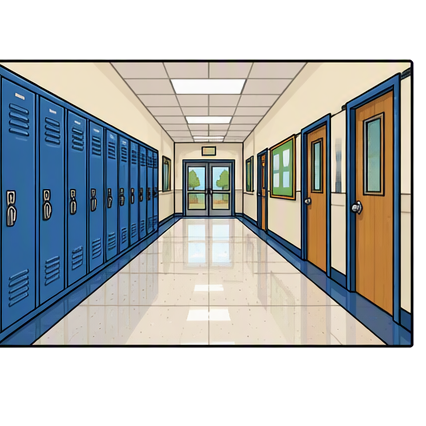

MSHallway
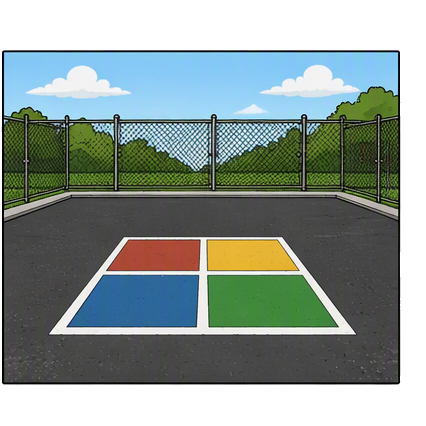

WSPlayground
Three connected products
Begin with the free browser editor, move a production through Workspace, or draw a board directly in Reframe on Mac.
Browser editor
Build a visual sequence from illustrated scenes, characters and props on phone, iPad or desktop.
Start a free boardCrew workspace
Keep the script, storyboard, shot list and review trail together as a production moves forward.
Explore WorkspaceMac drawing app
Draw boards locally on Mac and prepare the files a production or editing workflow needs next.
Explore ReframeOne visual language
Plan shots, staging, camera movement, and timing.
Turn a script, comic, or pitch into a visual sequence.
Build visual stories, timelines, worksheets, and explainers.
From idea to board
Start blank, then build visually. Every step happens in the same editor.
Tap a painted location. That is the set.
Click once to place. Shift-click to add another.
WS, MS, CU — write it on the cell, then save.
Free or full
The free editor proves the process. Full Creator gives longer boards, the complete library, uploads, and clean exports.
| Feature | Free | Full Creator |
|---|---|---|
| Start creating | No card required | Included |
| Cells per storyboard | 6 | Up to 100 |
| Illustrated assets | Free selection | Complete library |
| Upload your images | Included | |
| PNG and PDF export | Watermarked | No watermark |
Full Creator
Pay when your board needs more room, more art, or a clean client-ready export.
Introductory price
$4.99USD
for your first 30 days
Then $11.99/month. Cancel anytime.
Get Full Creator · $4.99First payment covered by our 14-day money-back guarantee.
Secure checkout. Price shown in USD.
Questions
Clear terms before you start.